How I Solved Form Submissions on a Static Netlify Website Without Netlify Forms
How I Solved Form Submissions on a Static Netlify Website Without Netlify Forms
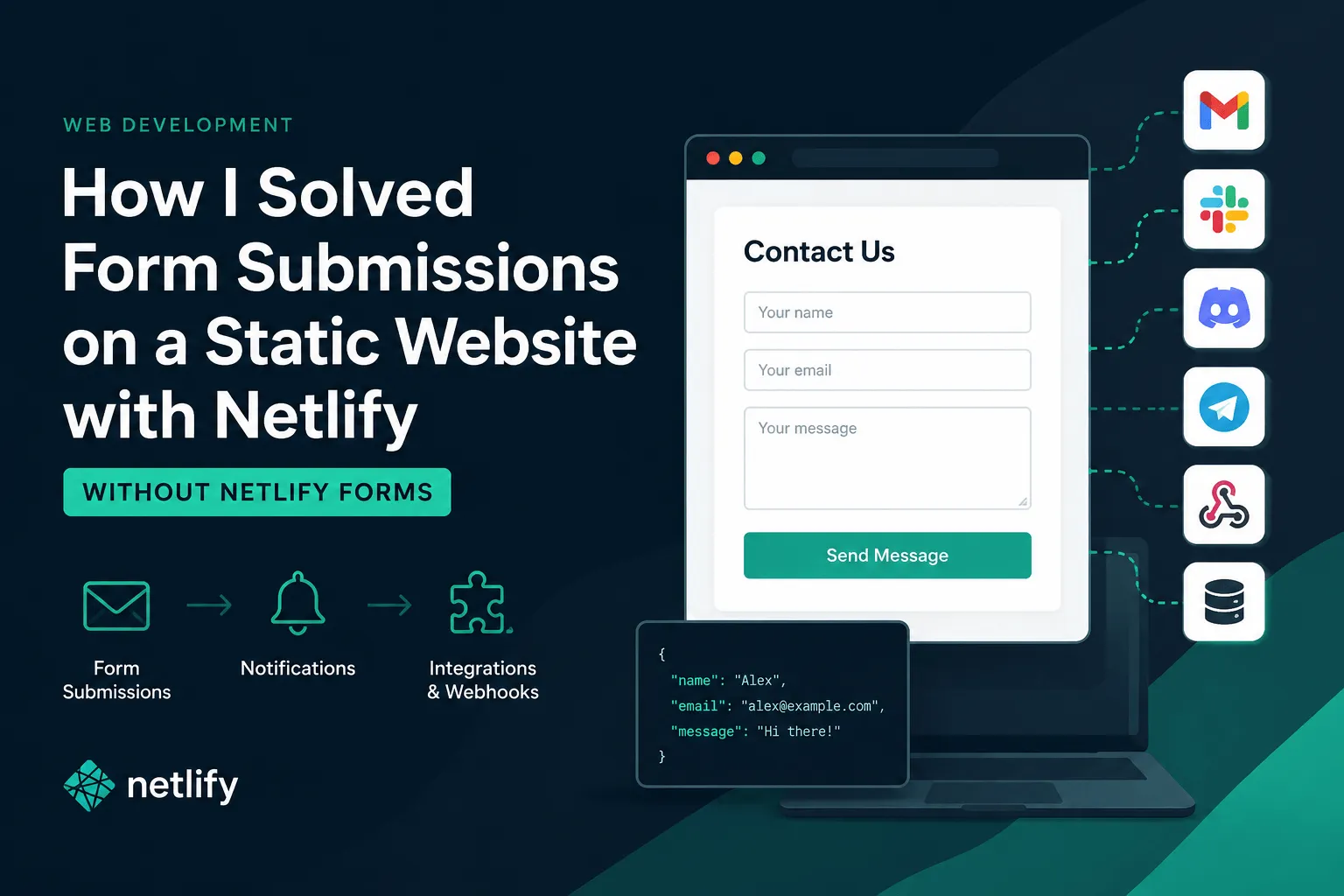
How I Solved Form Submissions on a Static Netlify Website Without Netlify Forms
If you've ever built a static website on Netlify, you've probably run into the same problem I did:
You need a contact form.
At first, it seems simple. Add a form, deploy the site, and you're done. Then reality hits.
You need email notifications. You need spam protection. Maybe you want to send data to Slack, Discord, Telegram, a CRM, or your own backend. Suddenly a simple contact form becomes an infrastructure problem.
Netlify Forms is a good solution, but it wasn't the right fit for every project I worked on. Some sites needed custom integrations. Some required multiple notification channels. Others were hosted across different providers and I wanted one consistent solution everywhere.
So I started looking for an alternative.
The Problem with Static Websites
Static websites are great because they're fast, secure, and cheap to host.
The downside is that they don't have a backend.
A traditional HTML form expects a server:
<form action="/contact" method="POST">
    <input name="name" />
    <input name="email" />
    <button type="submit">Send</button>
</form>
On a static website, there is no /contact endpoint waiting to process the request.
You either need to:
- Build and host your own backend
- Create serverless functions
- Use a form handling service
For small websites, building a backend often feels like overkill.
The Approach I Ended Up Using
Instead of creating a custom API for every project, I started using a dedicated form endpoint service.
The idea is simple:
- Create a form endpoint.
- Point your HTML form to that endpoint.
- Configure notifications and integrations.
- Deploy your static website.
No backend required. Just onsubmit.dev.
A basic form can look like this:
<form
    action="https://onsubmit.dev/YOUR_FORM_ID"
    method="POST"
>
    <input
        type="text"
        name="name"
        placeholder="Your name"
        required
    />

    <input
        type="email"
        name="email"
        placeholder="Your email"
        required
    />

    <textarea
        name="message"
        placeholder="Message"
    ></textarea>

    <button type="submit">
        Send
    </button>
</form>
That's enough to start receiving submissions.
The browser submits the form directly, and the service handles processing and notifications.
Works With Plain HTML, React, Vue, and Next.js
One thing I wanted was a solution that didn't care about the frontend framework.
For example, in React:
<form
    action="https://onsubmit.dev/YOUR_FORM_ID"
    method="POST"
>
    <input
        name="email"
        type="email"
    />

    <button type="submit">
        Subscribe
    </button>
</form>
No SDKs.
No custom hooks.
No client libraries.
Just standard HTML forms.
This keeps the implementation simple and works reliably because browsers have supported form submissions for decades.
Notifications Beyond Email
Email notifications are useful, but many projects need more than that.
For example:
- Slack notifications for support requests
- Discord notifications for community websites
- Telegram alerts for small businesses
- CRM integrations for lead generation
- Webhooks for custom workflows
- Internal APIs for processing submissions
Instead of wiring up each integration separately, it's much easier when the form endpoint becomes the central hub that distributes submissions wherever they need to go.
This approach also makes it easier to evolve a project later. You can start with email notifications and add additional integrations without changing the frontend code.
Why I Prefer This Approach
For small and medium-sized websites, I found this setup offers a few advantages:
- No backend to maintain
- No serverless functions to deploy
- Works on static hosting
- Framework agnostic
- Easy to add integrations
- Fast implementation
- Easy to reuse across projects
Most importantly, I can launch a new website in minutes without thinking about backend infrastructure.
The frontend remains a simple static site, while form handling, notifications, and integrations are managed separately.
Final Thoughts
Static websites have become incredibly powerful, but forms remain one of the few features that still require some kind of backend processing.
For my projects, using a dedicated form endpoint service turned out to be the simplest solution. It keeps the website static, removes backend complexity, and provides enough flexibility to connect submissions to email, chat applications, CRMs, webhooks, and other services.
If you're building websites on Netlify, Cloudflare Pages, GitHub Pages, or any other static hosting platform, it's a practical way to handle form submissions without maintaining your own backend.